| 2.17. Ethernet devices | ||
|---|---|---|
 | Chapter 2. Abilis hardware |  |
| 2.17. Ethernet devices | ||
|---|---|---|
| | Chapter 2. Abilis hardware | |
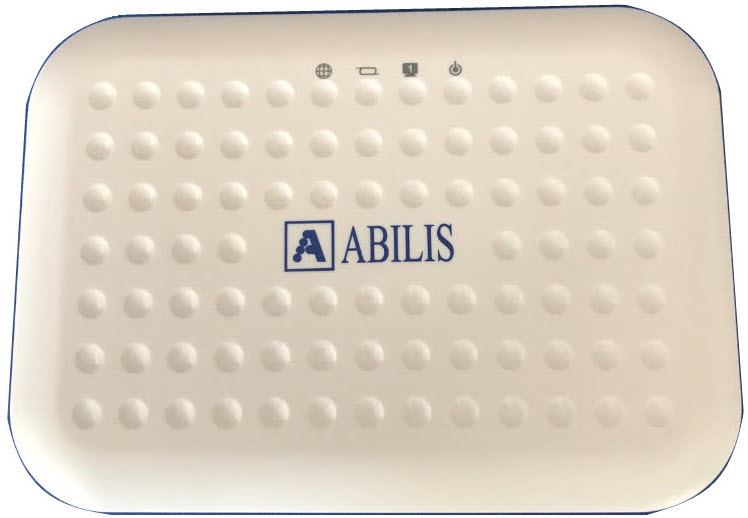
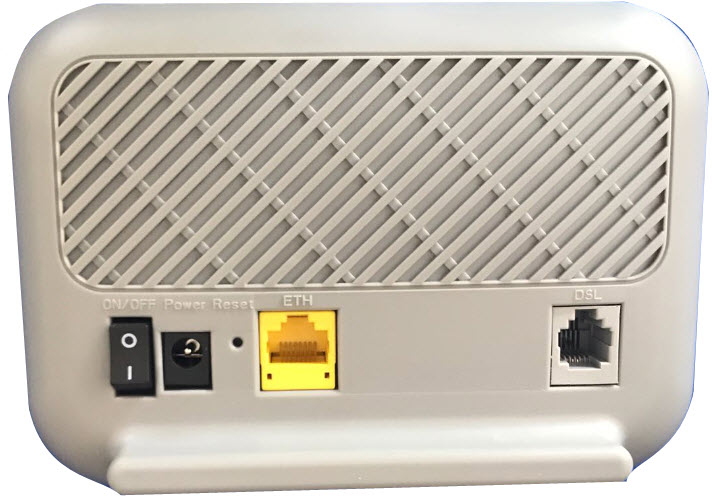
Ethernet modem is a device with an ADSL/VDSL interface and an Ethernet interface that can work in transparent bridge.
![[Important]](../images/important.png) | Important |
|---|---|
Ethernet modem limitations:
|
![[Note]](../images/note.png) | Note |
|---|---|
The default IP address is 192.168.168.168/28. |
| Note |
|---|---|
The supervision must be done using Telnet or HTTP. The default user is admin and password is VuDi218. |
![[Tip]](../images/tip.png) | Tip |
|---|---|
Interesting chapters: Section 3.6, “Ethernet modem connection”; Section 84.8, “How to configure ADSL/VDSL connections using Ethernet modems”. |
| Led | Meaning | State |
|---|---|---|
 Power Power | Power state. | OFF: Power cable disconnected. ON: Power cable connected and modem READY. |
 DSL DSL | DSL state. | Slow Blinking: No DSL link. On: DSL link established and active. Quick Blinking: DSL is trying to establish a connection. |
 Internet Internet | Data exchange. | On: IP connected. Blinking: IP connected and IP traffic is passing through the device. Off: Modem power off or DSL connection not present. |
 LAN 1 LAN 1 | Ethernet data exchange. | LED indicator will light green when a device is connected. It flashes when data is being transmitted or received on the connection. |
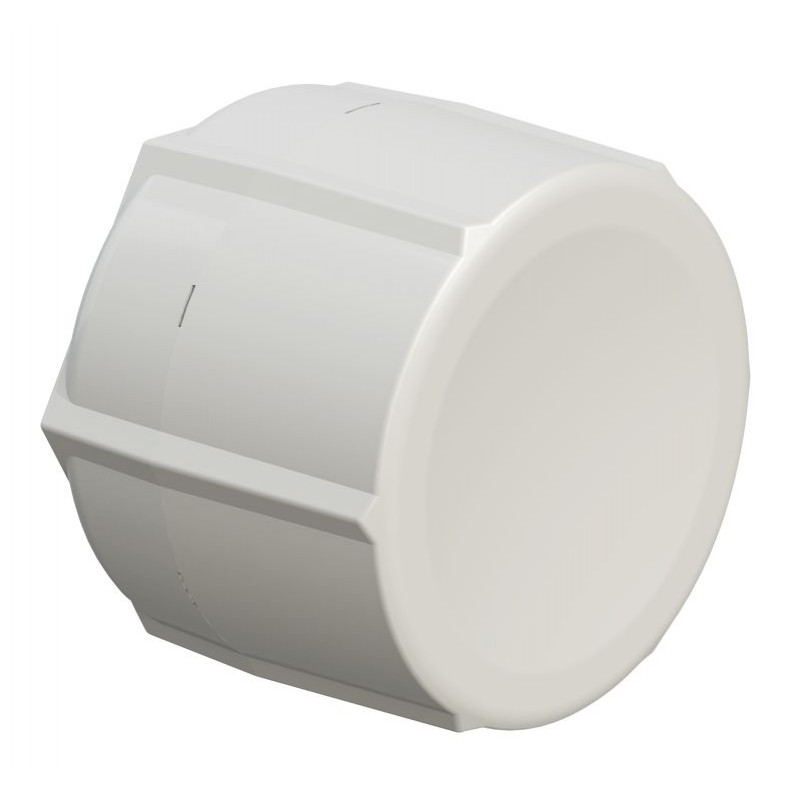
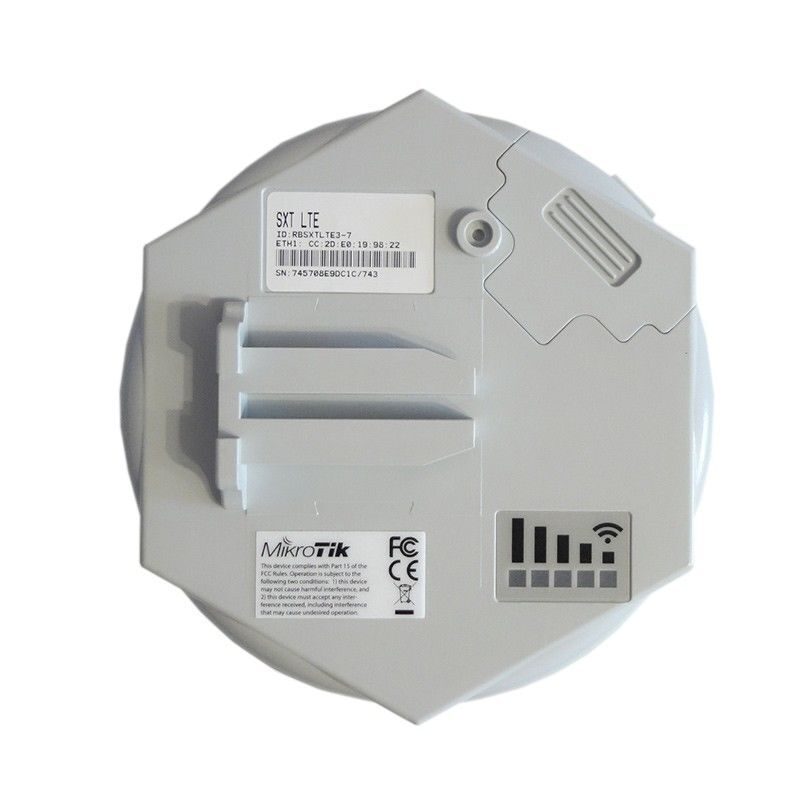
Ethernet LTE is a device with an LTE interface and an Ethernet interface that can work in transparent bridge.
| Important |
|---|---|
The Ethernet LTE is supported starting from Abilis firmware version 9.0. |
| Tip |
|---|---|
Interesting chapters: |
| Led | Meaning | State |
|---|---|---|
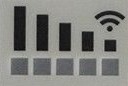 Signal Signal | Signal level. | LED indicators 1-5 are used to represent signal strength, with 1 indicating the weakest signal and 5 indicating the strongest. |
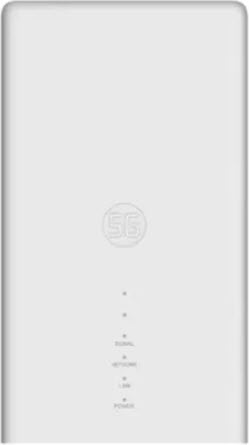
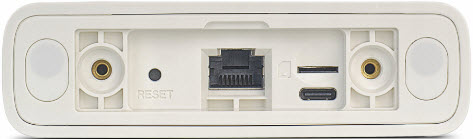
Ethernet 5G is a device with an 5G interface and an Ethernet interface that can work in transparent bridge.
| Important |
|---|---|
The Ethernet 5G is supported starting from Abilis firmware version 9.1. |
| Tip |
|---|---|
Interesting chapters: |
| Led | Meaning | State |
|---|---|---|
POWER | Power state |
|
NETWORK | Network status |
|
LAN | Ethernet status |
|
SIGNAL | Signal strength |
|
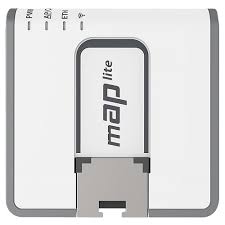
Ethernet WiFi is a device with one 2.4 GHz Wi-Fi interface and one
Ethernet port. It supports multiple operating modes:
CLI-ROUTER, CLI-BRIDGE, and
AP-BRIDGE. In client (CLI) mode,
it connects to an existing Wi-Fi network (including a mobile
hotspot/tethering) to provide backup Internet connectivity. In
AP-BRIDGE mode, it provides wireless access for
nearby devices, extending network connectivity where Wi-Fi coverage is
required.
| Important |
|---|---|
The Ethernet WiFi is supported starting from Abilis firmware version 9.1. |
| Tip |
|---|---|
Interesting chapters: |
| Led | Meaning | State |
|---|---|---|
PWR | Power status |
|
ETH | Ethernet interface status |
|
WIFI | Wireless interface status |
|
AP/CAP | Operating mode indicator |
|
| |  | |
| 2.16. Remote devices |  | 2.18. CITO devices |