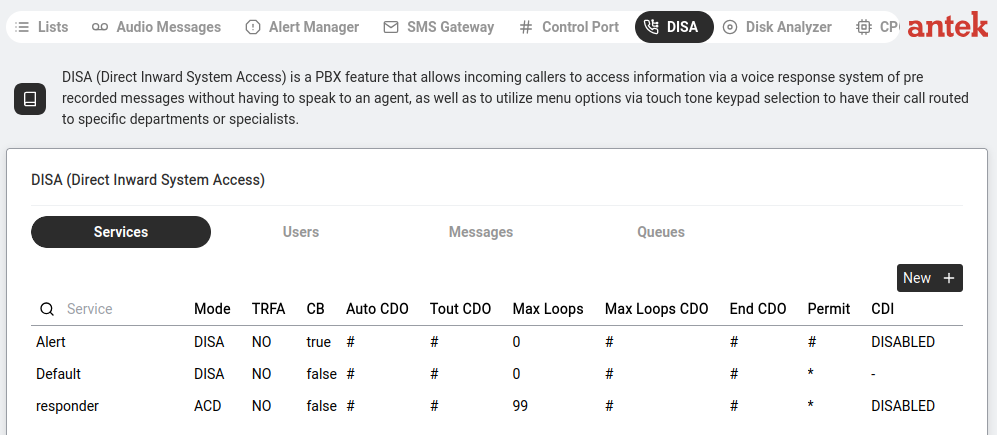
"DISA (Direct Inward System Access) is a PBX feature that allows incoming callers to access internal extensions, to speak to an agent, as well as to utilize menu options via touch tone keypad selection to have their call routed to specific departments or specialists."

| Sub-Tab | What It Configures | Detail |
|---|---|---|
| Services | The IVR services themselves. | Define which phone number triggers the auto-attendant, what greeting to play and what menu options are available. |
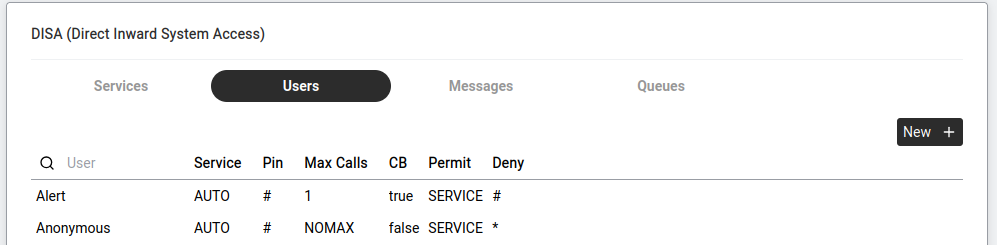
| Users | Users allowed to access DISA features. | Table columns (per v9.0 ch63.3): User name; Service — the DISA service this user logs into (or AUTO to pick the service from caller-ID pre-identification); Pin — access code or # to identify the user by calling number only (no PIN required); Max Calls — concurrent call limit; CB — callback allowed, YES/NO; Permit — destination-number patterns this user is allowed to call (digits, wildcards, list references); Deny — destination-number patterns this user is forbidden to call. Click New + to add a user — a dialog asks for the username. |
| Messages | Audio messages played to callers. | The welcome greeting, menu options prompt, goodbye message, "invalid option" message, etc. These are linked to audio files from Tools > Audio Messages. |
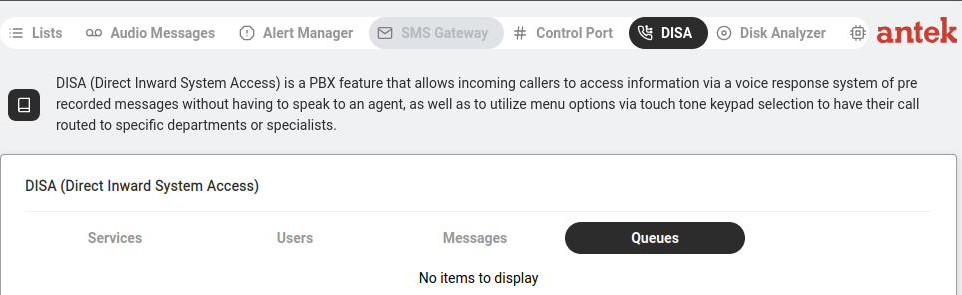
| Queues | Call queue configuration. | When all agents are busy, callers wait in a queue. Configure: queue name, maximum wait time, hold music, overflow behaviour (transfer to voicemail, play a message, etc.). |