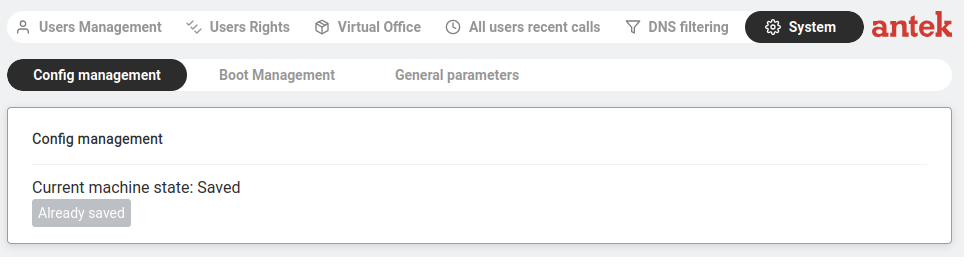
Navigate to Administration → System. This page has three tabs: Config management (save/restore your settings), Boot Management (firmware versions and reboot) and General parameters (system-wide defaults for email and SMS notifications).
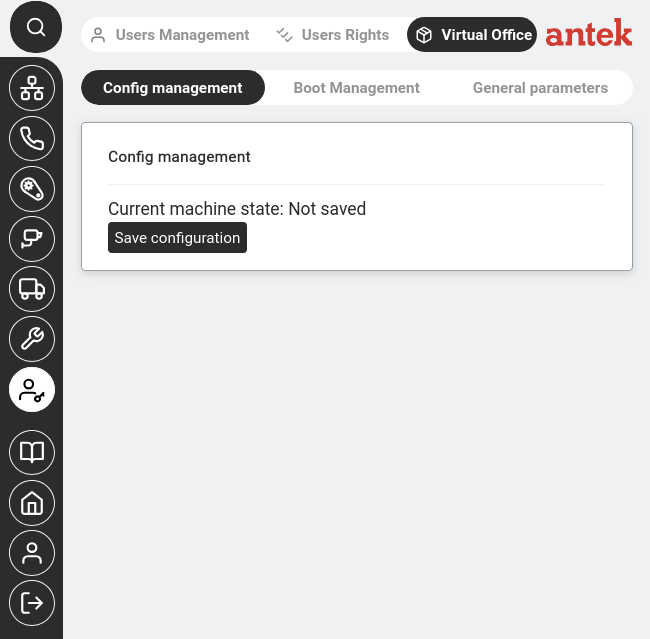
This tab shows whether your current configuration is saved to disk or only in memory.
| Status | What it means | What to do |
|---|---|---|
| Saved (button shows "Already saved") | All settings are written to disk. Safe to reboot. | Nothing — you're good. |
| Not saved | You've made changes that exist only in memory. A reboot or power loss will erase them. | Click the save button immediately. |
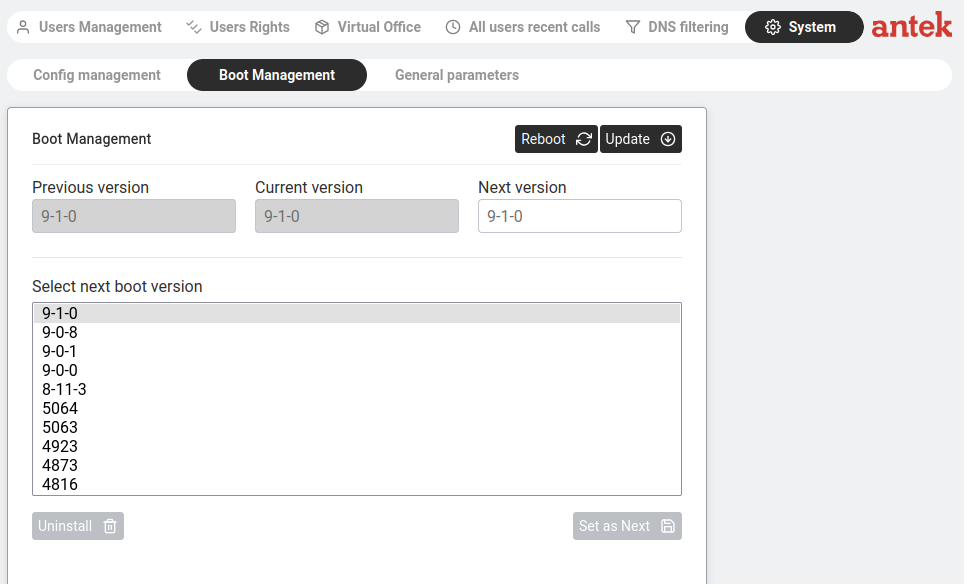
The Abilis can store multiple firmware versions simultaneously. This tab lets you choose which one runs.
At the top, three fields show the firmware history:
| Field | Meaning |
|---|---|
| Previous version | The firmware that was running before the current one. Useful if you need to roll back. |
| Current version | The firmware running right now. |
| Next version | The firmware that will load after the next reboot. Usually the same as Current unless you've changed it. |
Below, "Select next boot version" lists all installed firmware versions. Select one and click Set as Next to choose it for the next boot.
| Button | What it does | When to use it |
|---|---|---|
| Reboot | Restarts the Abilis. It boots into the "Next version." | After a firmware update or when you need a clean restart. Takes 1–3 minutes. |
| Update | Downloads and installs new firmware from the update server. | When Anteklab tells you a new version is available. |
| Uninstall | Removes the selected firmware version (frees disk space). | To clean up old versions you no longer need. Cannot uninstall the running version. |
| Set as Next | Marks the selected version as the one to boot next. | To roll back to a previous version if the current one has problems. |
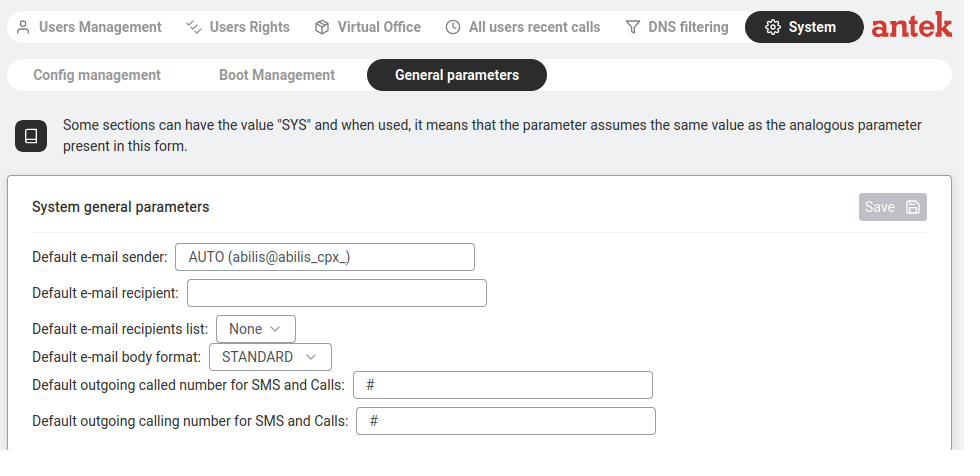
This tab contains system-wide defaults that other features reference when they need to send a notification.
| Field | What it controls |
|---|---|
Default e-mail sender (MAIL-FROM) | The "From" address used when the Abilis sends notification emails. Accepts SYS, AUTO (auto-generated from the unit's hostname, e.g. abilis@<hostname>) or any valid email address. |
Default e-mail recipient (MAIL-TO) | Where notification emails go by default (unless overridden by a specific alert channel). |
Default e-mail recipients list (MAIL-TO-LIST) | A list of additional recipients (from Tools → Lists). Useful for sending alerts to multiple people. |
Default e-mail body format (MAIL-BODY) | STANDARD (full message body) or SMS-LIKE (short SMS-sized summary). Per v9.0 ch42.1. |
| Default outgoing called number for SMS and Calls | The phone number the Abilis dials when sending SMS alerts or making alert phone calls. |
| Default outgoing calling number for SMS and Calls | The number shown as the caller ID when the Abilis makes alert calls. |
These defaults are used by the Alert Manager. Each alert channel can override these defaults with its own settings, but most users leave these as the system-wide configuration and only customise individual channels when needed.