Tools Tools
This section contains utility tools that support other parts of the system: audio message recording for voicemail and IVR menus, SMS messaging, alert configuration, the DISA auto-attendant editor and system diagnostics (disk usage, CPU load).
Click Tools in the sidebar. Eight tabs:
| Tab | Purpose |
|---|---|
| Lists | Lists of values, strings, constants. Can be created, modified or deleted. Used by routing, filtering and other features. Details → |
| Audio Messages | Create, modify or delete audio messages for voicemail, IVR, hold music. Details → |
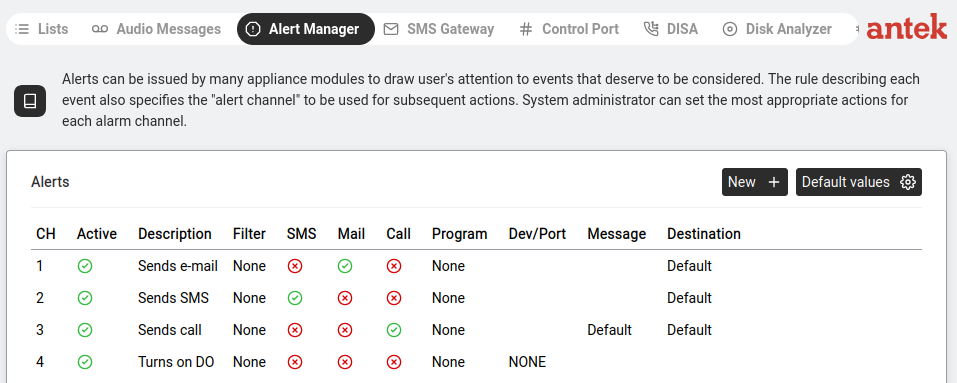
| Alert Manager | Create, modify or delete system alerts (email/SMS notifications). See below. |
| SMS Gateway | Send individual or bulk SMS from the browser. Details → |
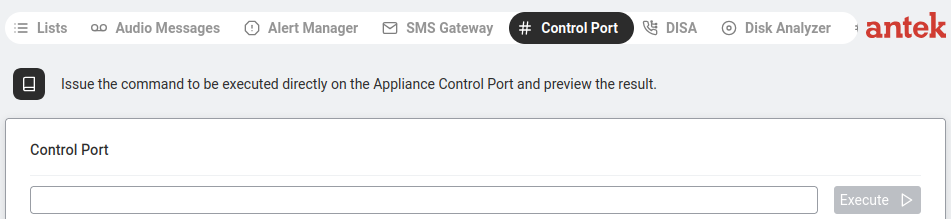
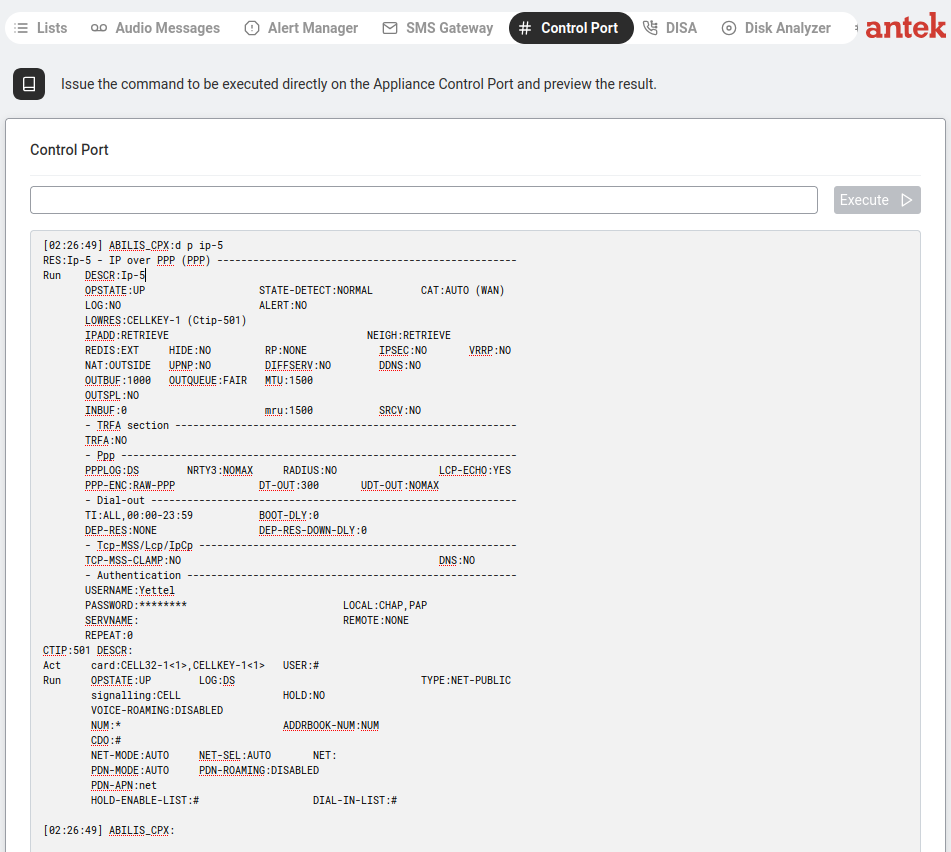
| Control Port | Issue Abilis Control Port commands from the browser — queries, diagnostics, statistics. Useful when SSH/Telnet is unavailable. Note: configuration commands are not allowed from this tab — use the regular admin UI or a real CLI session for those. See below. |
| DISA | Configure the auto-attendant (IVR) service. Details → |
| Disk Analyzer | View and manage disks and partitions. Details → |
| CPU Load | Real-time processor usage graph. Details → |
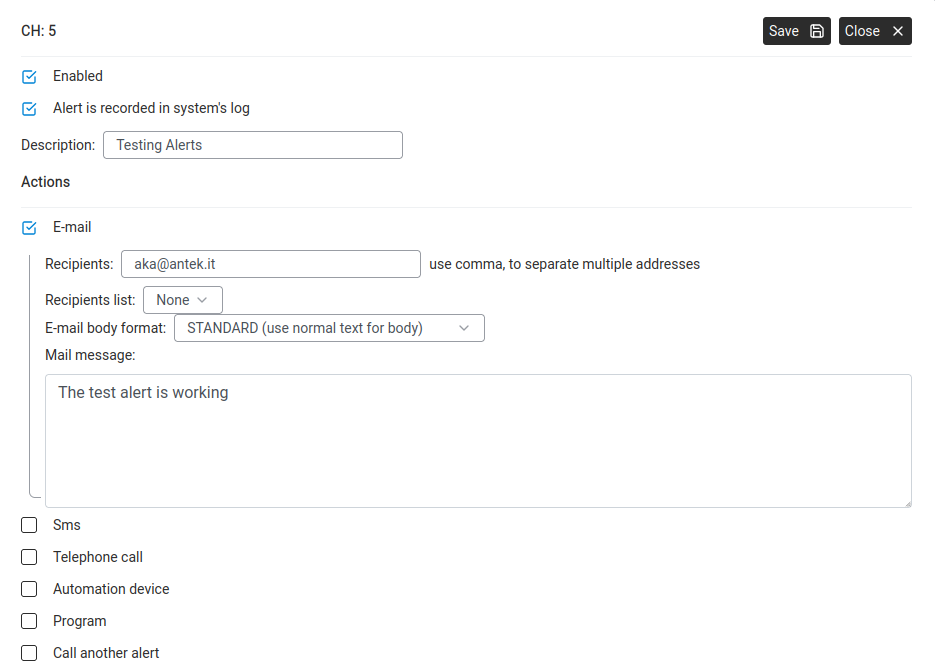
Alerts can be issued by many appliance modules to draw attention to events that deserve action. Each alert channel specifies what happens: send an email, send an SMS, place a phone call, run a program or toggle a digital output.
Issue Abilis Control Port commands directly from the browser — the same interactive commands you'd type over SSH/Telnet, for status queries, diagnostics, statistics and on-demand operations. Useful when no terminal access is available. The one restriction (v9.0 reference manual): "Configuration commands are not allowed" — for config edits, use the regular admin pages or a real CLI session.